


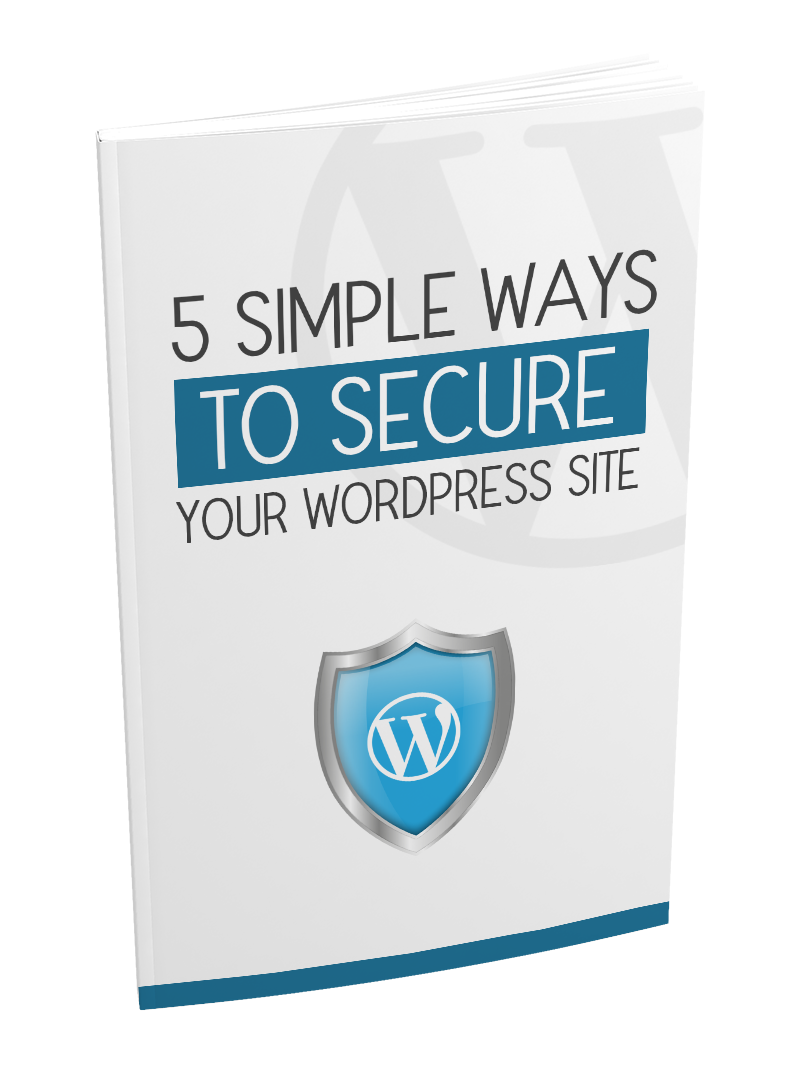

Description
Your self-hosted WordPress website is your home on the Internet. It’s your own little slice of the Internet real estate, and just like any house you own, protecting it will fall squarely on your shoulders. If you notice, I’ve specifically mentioned self-hosted WordPress websites. If your website runs on WordPress.com, then it’s not self-hosted. Securing your WordPress.com website is easier, in fact, you probably don’t need to think too much about it. Why? Because WordPress.com owns your website, so it’s up to them to protect it, and all the other free websites that’s hosted on their platform. Self-hosted WordPress sites run on free, open-source software called
WordPress. Websites built on this software are highly customizable thanks to the thousands of themes and plugins you can choose from. Because of this flexibility, millions of people have chosen to build their web
properties on this platform. And due to this popularity, WordPress has long been a favorite target of hackers and bots. Without further ado, here are five simple ways you can secure your WordPress website.
1. Update your WordPress software, themes, and plugins With WordPress being open source software, anyone can get access to the code, including hackers. Hackers can go through the code, study it, and look for vulnerabilities so they can find ways to break into WordPress sites. This is why WordPress gets updated frequently, to close off those vulnerabilities.






 Twitter_Marketing_Excellence
  Better Business Planning
  First Class Resell Rights Marketer
  Private Label Gold Rush
  All About Cat Training
  Blogging For Big Bucks
  Choosing Profitable Niches
  100 Work at Home Benefits
  Simple Startups
  5 Simple Ways To Secure Your WordPress Site
  Profit Pullin Ezine
  Social Media Marketing Revolution
  Product-Launch-Success
  Authority Traffic
  Basic Elements Of An Effective Internet Marketing Sales Page
  Authority Blogging
  Picking Your Product
  Public Speaking Quick Fix
  Property Value Boost
  Amazon Affiliate Pro
  Better Blogging
Reviews
There are no reviews yet.